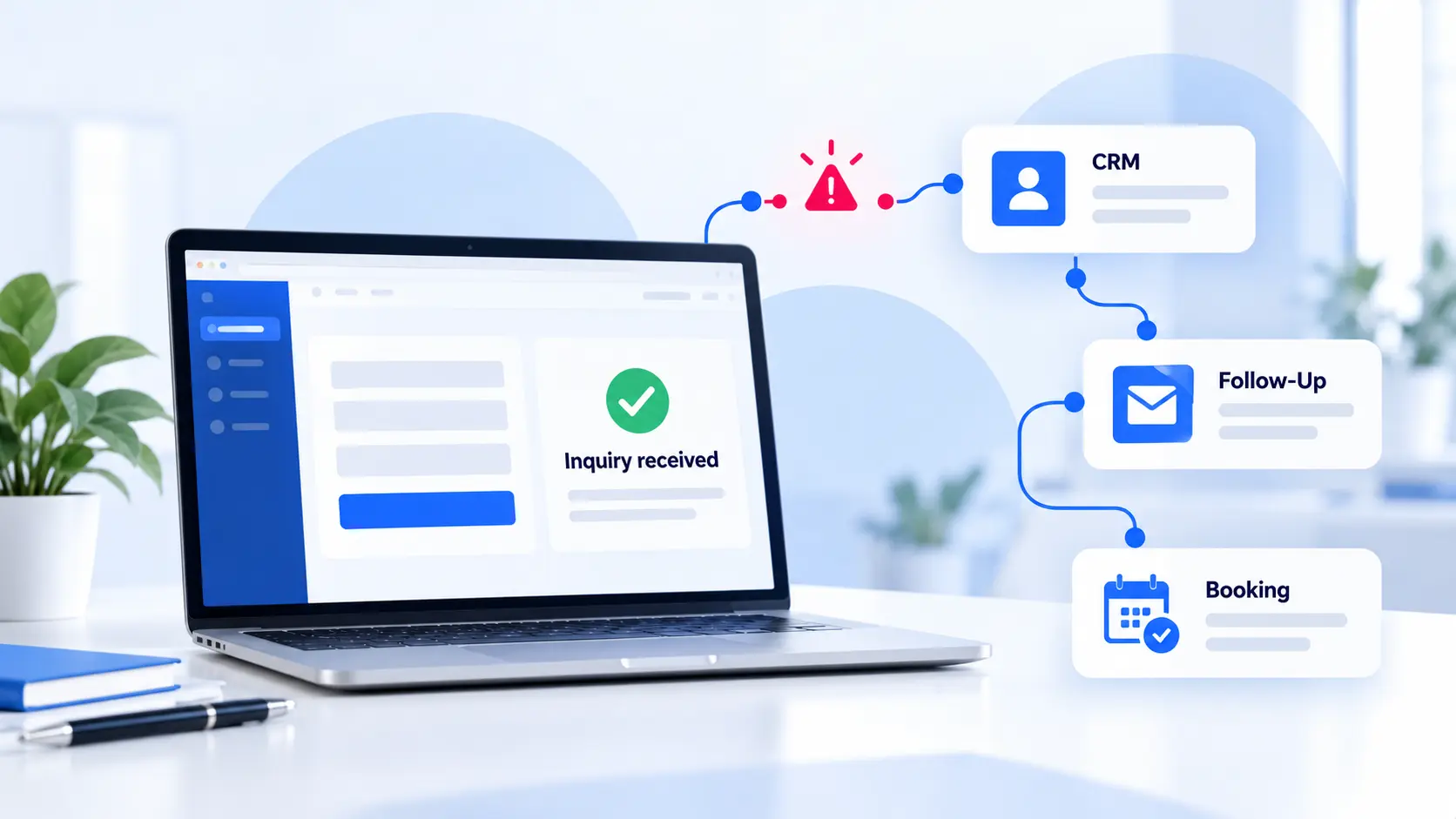
A contact form can work exactly as designed and still lose the lead.
The form accepts the information. A success message appears. An email may even reach someone inside the business. Everything looks like it worked.
The prospective client experiences something different. They have explained what they need and started waiting. If the next step is unclear or the response never arrives, they may move on.
A website lead system connects that inquiry to a clear process for responding, following up, and helping the right person become a client. The form is one part of that process.
Submitting it should move the conversation forward.
Key Takeaways
- A successful form submission does not guarantee that anyone received or answered the inquiry.
- Every inquiry needs a reliable record, a responsible person, and a clear next step.
- Automation can keep routine communication moving while people handle questions and decisions.
- Test the full inquiry path, then measure whether qualified inquiries become clients.
- Strengthen the process before investing in more traffic or additional tools.
The Hidden Gap After the Form Submission
Many service-business websites rely on a simple assumption: if the message reaches an inbox, someone will take care of it.
That assumption creates a fragile process.
The inquiry might land in spam. Two employees may assume the other person responded. A notification may reach an account that is rarely checked. The prospective client may receive no confirmation, no expected response time, and no clear next step.
These problems can happen while the form itself works perfectly.
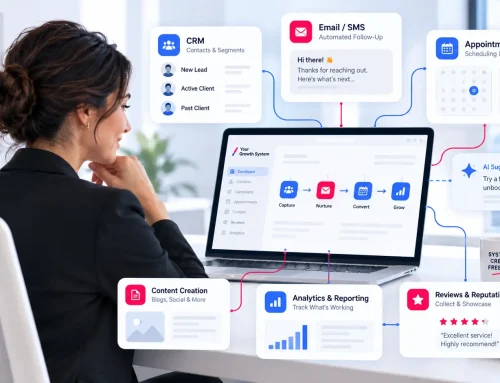
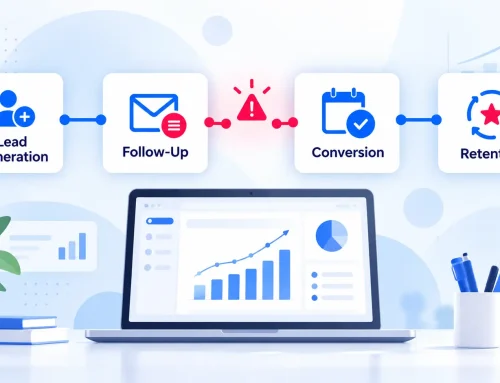
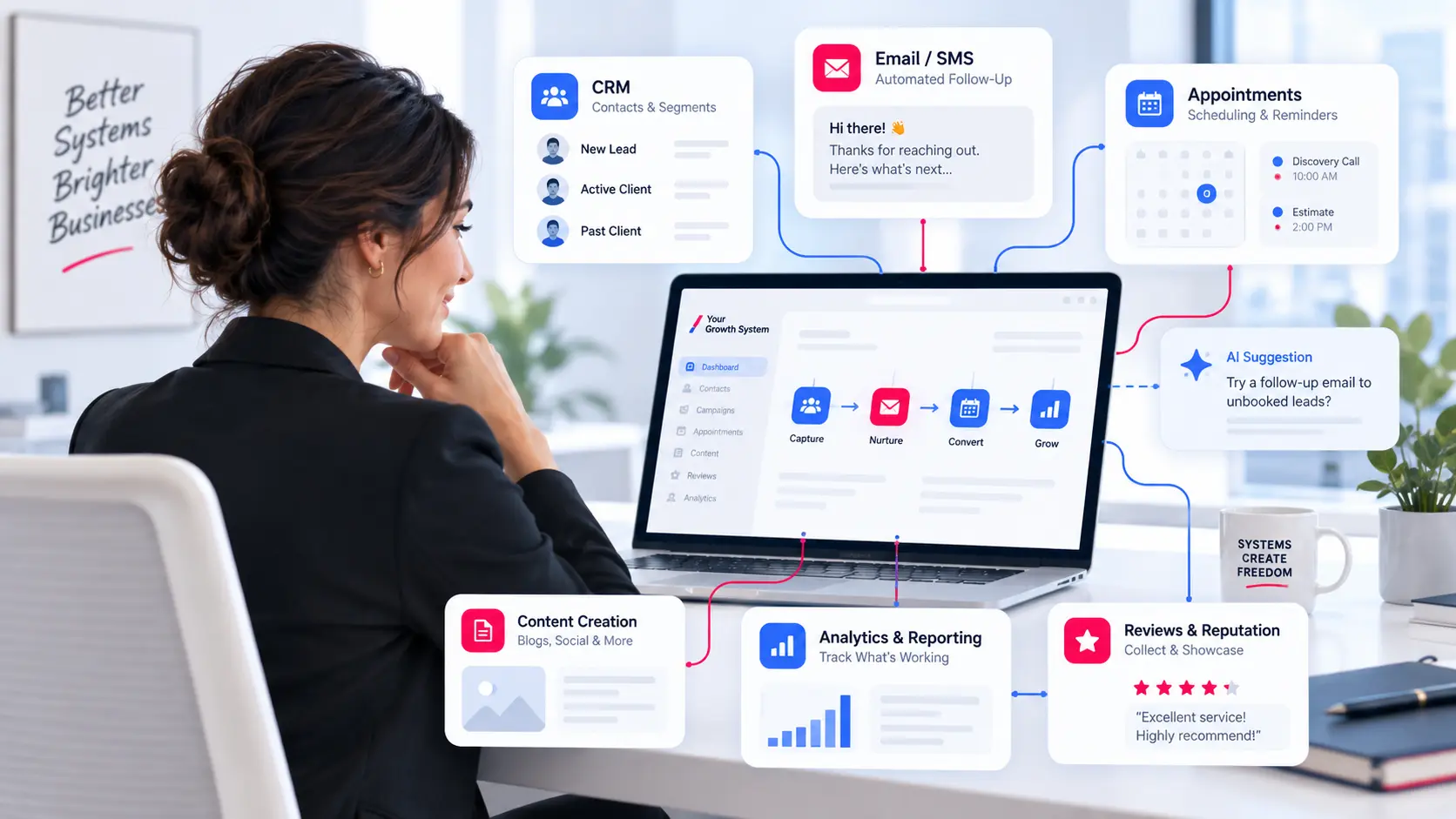
The gap is between the website, inbox, calendar, CRM, and the people responsible for responding. A connected marketing system gives each part a defined role.
What happens after an inquiry also affects whether people believe your promises. If your website emphasizes personal attention, dependable service, or an easy process, your response needs to demonstrate those qualities.
Start with one practical question: What happens every time someone submits this form?
If the answer depends on someone remembering to check an inbox, the process needs attention.
What Your Website Lead System Should Do After Submission
A dependable inquiry process has six jobs.
1. Capture the Right Information
Ask for information that helps your team respond and determine the next step.
For a plumbing estimate, that might include the person’s name, preferred contact method, service location, and the type of work needed. Detailed project questions can follow when they become useful.
Make required fields obvious and test the form on a real mobile device. Completing it should be straightforward without unnecessary typing, confusing instructions, or fields that are difficult to use.
2. Confirm the Submission
The person should know that their inquiry was received.
Show a clear confirmation on the page and send an email when appropriate. Explain what happens next and when they should expect a response.
If your team normally replies within one business day, say so. If someone can schedule the next step immediately, provide the relevant link.
Make a promise your team can consistently keep.
3. Deliver the Inquiry Reliably
A success message does not prove that an email reached the right person.
Internal notifications should go to an active, monitored address. Test delivery from an email account outside the business and confirm that replies reach the person who submitted the form.
If notifications fail, investigate the email delivery settings and recipient filters. The inquiry should also remain recorded somewhere your team can access if the notification is missed.
4. Keep a Record Outside the Inbox
An email should not be the only record of a potential client relationship.
A CRM helps your team see where each relationship stands and what should happen next. The inquiry should create or update a contact, preserve the request, and record useful details such as its source and submission time.
Your CRM and follow-up process should also make previous communication and upcoming actions easy to find.
Keep the system simple enough that your team will use it consistently.
5. Assign Responsibility
Every new inquiry needs someone responsible for moving it forward.
An alert should give that person enough information to act without searching through several systems. Define who handles each type of inquiry and who provides backup when the usual person is unavailable.
A shared inbox can help a team see new messages. A named owner makes responsibility clear.
Set a response standard, then build reminders around it so a busy day does not leave the inquiry unanswered.
6. Keep the Next Step Moving
The process should continue after the first reply.
Define what happens if the person does not respond, misses an appointment, or receives an estimate without making a decision. Each open opportunity should have a current status and a next action.
Automation can handle confirmations, scheduling links, reminders, and routine follow-up. Bring a person into the conversation when questions or decisions require judgment.
Record whether the inquiry was a good fit, whether the next step happened, and whether the person became a client. Those outcomes show where the process needs improvement.
Five Tests That Reveal Common Failures
Use a real mobile device and an email address outside the business to test the full inquiry path.
- Submit every website form. Complete each public booking path that forms direct people toward.
- Read the confirmations. Check whether they explain what happens next, give an accurate response window, and provide working links.
- Verify internal delivery. Confirm that notifications reach the right person and that replies go to the prospective client.
- Check the record. Confirm that the inquiry appears in the CRM or shared tracking system with the necessary details, an owner, and a next action.
- Follow the response window. Confirm that reminders or escalation occur if nobody acts, and that the next step remains visible after the first reply.
Record what happens at each stage.
A missing notification may indicate an email delivery problem. A late response may reveal unclear responsibility. A missing CRM record may point to an integration issue.
Once the process works reliably, track response time and how many qualified inquiries become appointments, conversations, or paying clients.
Those measures help you find the weakest point in your marketing system and decide what to improve next.
A Better System Is Usually Simpler
Adding tools before defining the process creates more places to check and more opportunities for confusion.
Start with one inquiry path. Decide what the prospective client should experience, who owns the response, where the information lives, and how the next action is tracked.
Then connect the smallest set of tools needed to support that process. Use what already works and strengthen the gaps.
This helps your business get more value from the website, visibility, content, and advertising it has already invested in.
Once someone becomes a client, the same record can support onboarding, continued communication, review requests, and future service needs. Reliable follow-through helps carry the relationship beyond the first sale.